Zong Balance Save Code: How It Protects Your Balance
If you’ve ever had your Zong balance drop suddenly after your internet bundle ran out, you already know why this code matters. The Balance Save Offer is Zong’s way of stopping that from happening again.
What Is the Zong Balance Save Code?
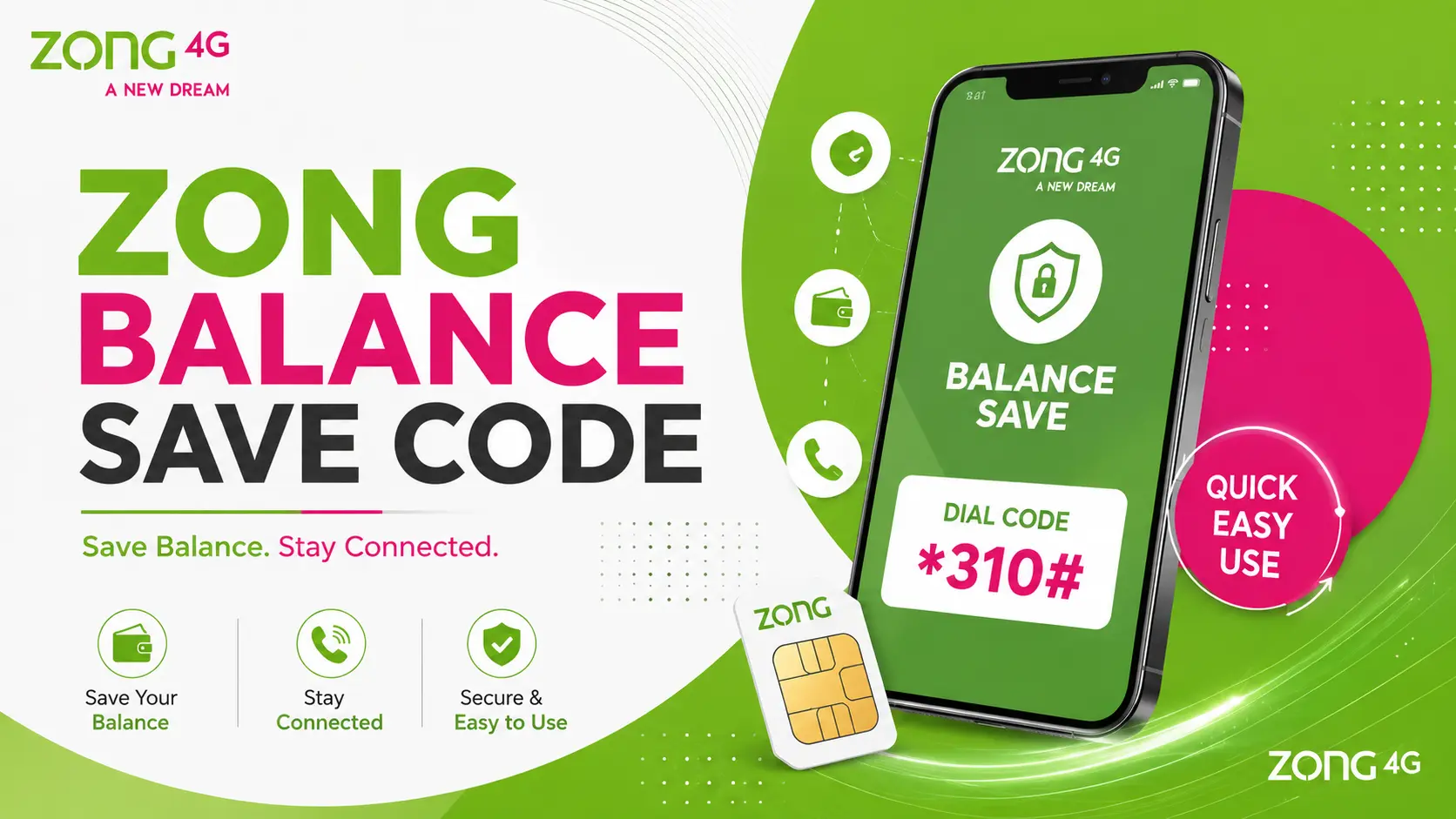
The code is *4004#. Dialing it activates a free service that blocks your phone from using the internet once your data bundle finishes, instead of quietly pulling data charges from your main balance.
In simple terms: no active bundle means no internet, not a drained balance.
What This Service Actually Does
Subscribe to this, and your internet access gets tied strictly to your bundle. Once that bundle runs dry and you haven’t renewed it, browsing simply stops—no data goes through until a new bundle is active.
Without this service turned on, Zong falls back to charging your regular balance at the standard per-MB rate the second your bundle finishes. That rate eats into your balance quickly, especially if you don’t catch the moment your bundle expires.
Is It Free?
Yes. Zong lists this as a free service. Subscribing doesn’t cost anything, and there’s no recurring charge tied to it.
What “One Time” Means Here
Zong lists this offer as one-time validity. Unlike weekly or monthly bundles that expire and need renewal, the Balance Save Offer works differently—you activate it once, and it stays in effect going forward. You don’t need to dial the code again every month.
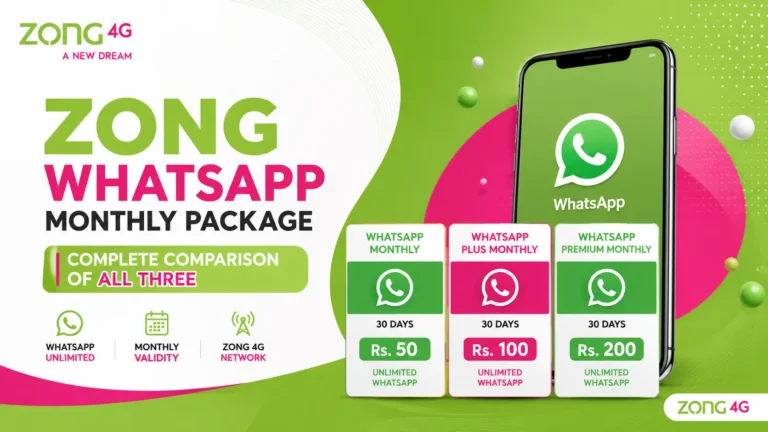
Compare that to something like Zong’s monthly WhatsApp bundles, where you’re either renewing manually every 30 days or dealing with an auto-renewing subscription. Balance Save Offer skips that cycle entirely—set it once, forget about it.
How to Subscribe
Dial *4004# from your Zong number. You can also subscribe through the Zong website by entering your mobile number in the subscription form on the official Balance Save Offer page.
How to Check If It’s Already Active
There’s no dedicated status-check code for this one—Zong hasn’t published a separate way to verify it through USSD. Your best bet is opening the My Zong app or dialing *310# for the self-service menu, where active services generally show up.
How to Turn It Off
Zong’s official page doesn’t list a public deactivation code for this service. If you want it switched off, your safest options are checking the My Zong app for a toggle or contacting Zong support directly through 310 to have it removed from your number.
Who Should Use This
Anyone who’s been surprised by a low balance after forgetting to renew a data bundle. It’s especially useful if:
- You often forget to renew weekly or monthly internet packages
- You’ve been charged the standard data rate without realizing your bundle expired
- You want a simple safeguard against accidental balance drain
Who Might Skip It
If you always keep an active bundle running and rarely let one lapse, this service won’t change much for you day to day. It only kicks in once your bundle data is fully used up.
FAQs
Details in this guide are based on Zong’s official Balance Save Offer page (zong.com.pk). Confirm current terms through the My Zong app before subscribing, since service details can be updated without notice.