Zong Balance Check Code: How to See Your Remaining Balance
Running low on load and not sure how much you actually have left? Checking your Zong balance takes one code and a few seconds.
The Zong Balance Check Code
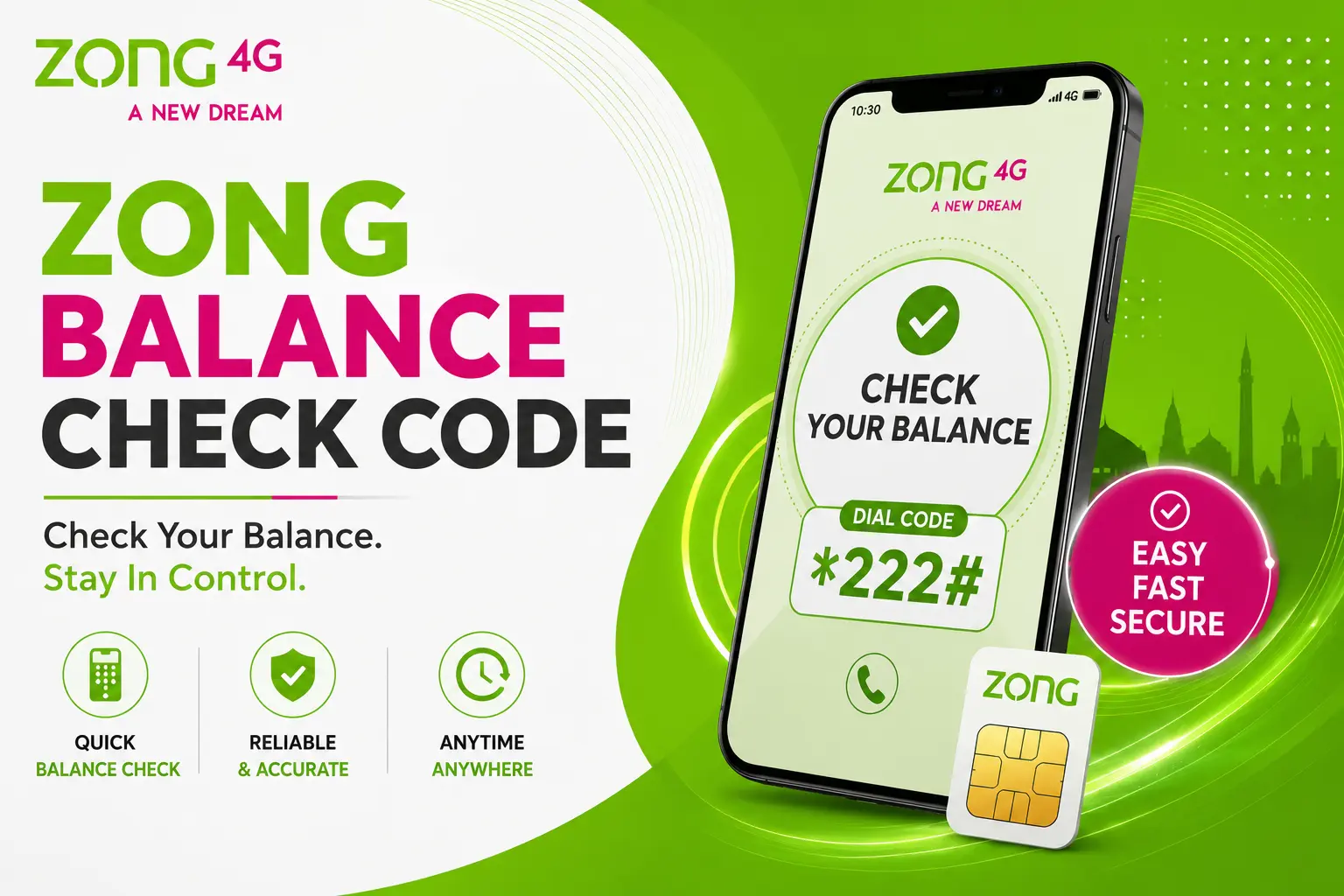
Dial *222# from your Zong number. Your remaining balance shows up right on the screen.
That’s it. No menus, no waiting for an SMS back.
Does It Cost Anything?
Yes, but barely. Dialing *222# costs around Rs. 0.05 plus tax. It’s a small enough amount that most people never even notice it on their bill.
If you’d rather check for free, the My Zong app shows your balance at no charge at all.
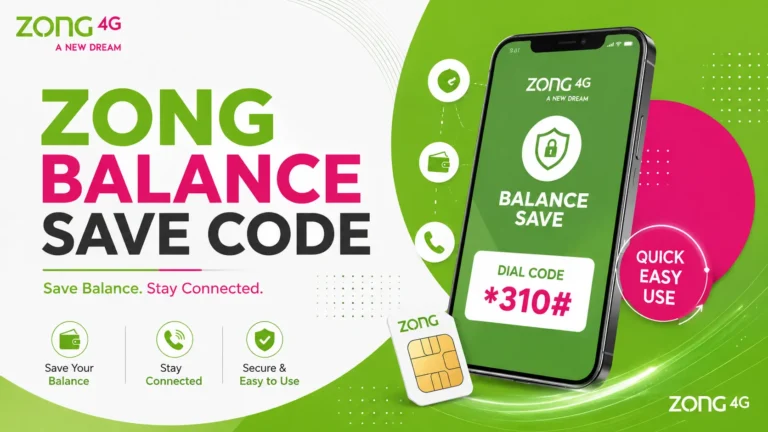
Alternative Way: Dial 310
You can also reach Zong’s balance and account details by dialing 310, their self-service helpline. This connects you to Zong’s IVR system, where balance inquiry is one of the available options.
Useful if *222# isn’t responding for any reason, or if you want to check other account details at the same time.
Checking Balance Through the My Zong App
If you already have the My Zong app installed, you don’t need to dial anything.
Once you’re logged in, your current balance and usage details show up on the home screen in real time. You can also track balance for up to five linked Zong numbers from a single account.
This method is completely free, and it also shows you a breakdown of remaining minutes, SMS, and data—something a plain USSD code can’t give you.
*222# vs. My Zong App: Which One Should You Use?
| Method | Cost | Speed | Extra Info Shown |
|---|---|---|---|
| *222# | Rs. 0.05 + tax | Instant | Balance only |
| My Zong App | Free | A few seconds | Balance, minutes, SMS, data |
| Dial 310. | Standard call charges may apply. | Slightly slower | Balance + other account options |
If you just want a quick number and you’re not near the app, *222# is faster. If you want the full picture—data left, minutes left, SMS left—the app is worth opening.
How to Recharge Once You Check Your Balance
If your balance is lower than expected, recharging is just as simple.
Dial 101 or enter *101*PIN# and press send to load a scratch card. You can also recharge through the My Zong app using a debit or credit card or via Easypaisa and JazzCash wallets.
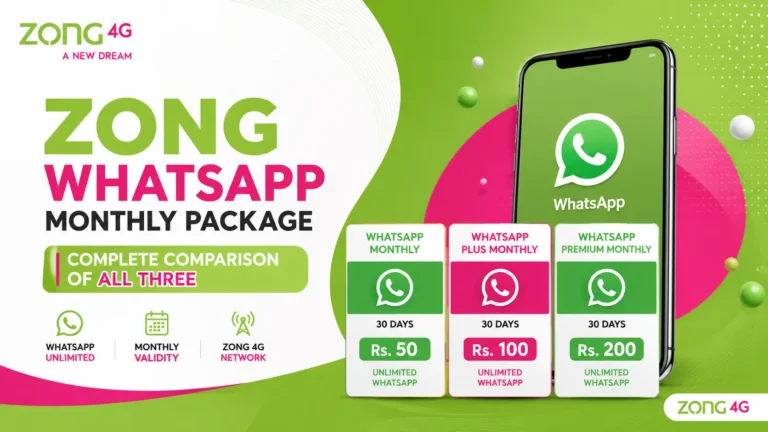
Once your balance is topped up, you can use it for calls, SMS, and mobile data without worrying about running out of credit. If you mainly use WhatsApp for chatting, calls, or sharing media, you can also check out our WhatsApp Monthly Package guide to compare available monthly options and choose a package that fits your usage.
A Quick Note on Accuracy
Zong occasionally updates its USSD codes without much announcement. *222# has stayed the standard balance-check code for a long time, but if it ever stops working, the My Zong app or dialing 310 will still get you the same information.
FAQs
Balance check details in this guide are confirmed through Zong’s official website and cross-checked against publicly available USSD code listings. Zong can update codes and charges without prior notice, so the My Zong app remains the most reliable source if something here ever changes.